Make a full backup
What you'll do: back up everything: your home folder, your extra folders and your system
recipe.
What you need: a backup drive set up; its password if it is encrypted;
your administrator password (for the protected settings, unless you turned them off).
How long it takes: a few minutes when little changed; the first backup copies everything.
Back up as often as you like. Only new and changed files are copied, and the old versions of changed files are kept in Removed Files.
- Plug in the backup drive.
- Open Deucalion. On the Overview page, click Back Up Now. (If the drive is locked, type its password and click Unlock.)
- Deucalion saves your system recipe (Ubuntu asks for your administrator password) and compares your files with the backup. Nothing is copied yet.
-
Read the plan: New files, Changed files, Gone from this computer, Unchanged and To copy now:
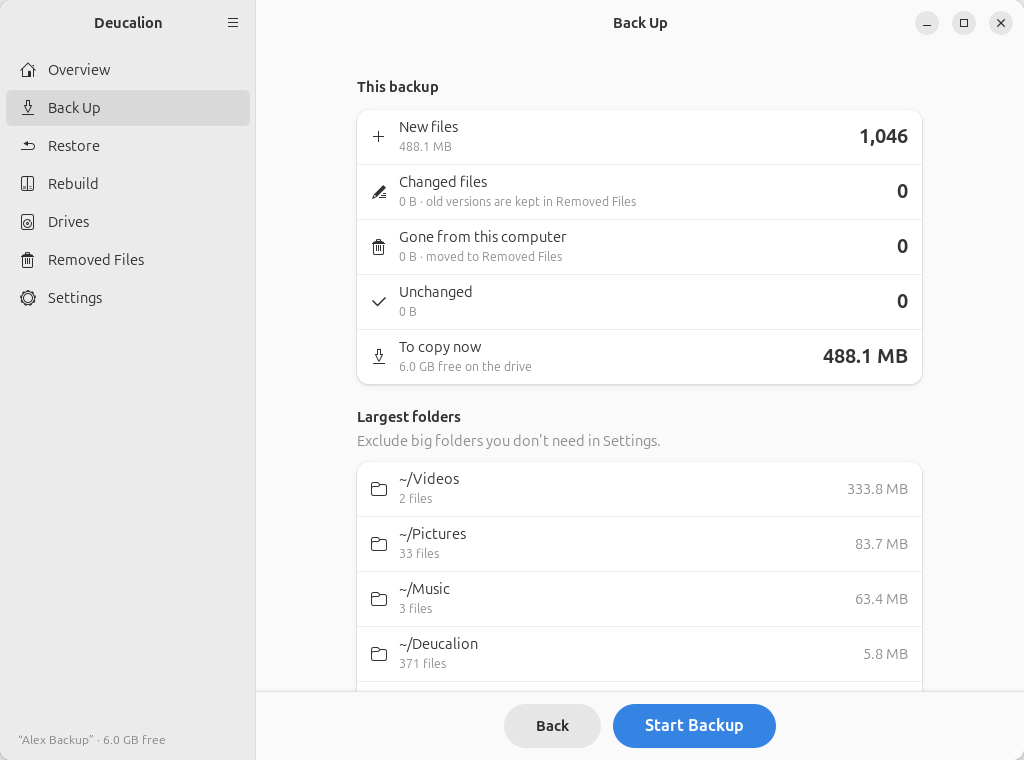
Gone from this computer lists files and folders that are in the backup but no longer on your computer. They are moved to Removed Files, not deleted. If that number is much larger than you expect, click Back and check why (for example, a folder that is on a disk that isn't mounted).
-
Click Start Backup. You can keep working while it copies.
-
When it says Backup complete, click Done.
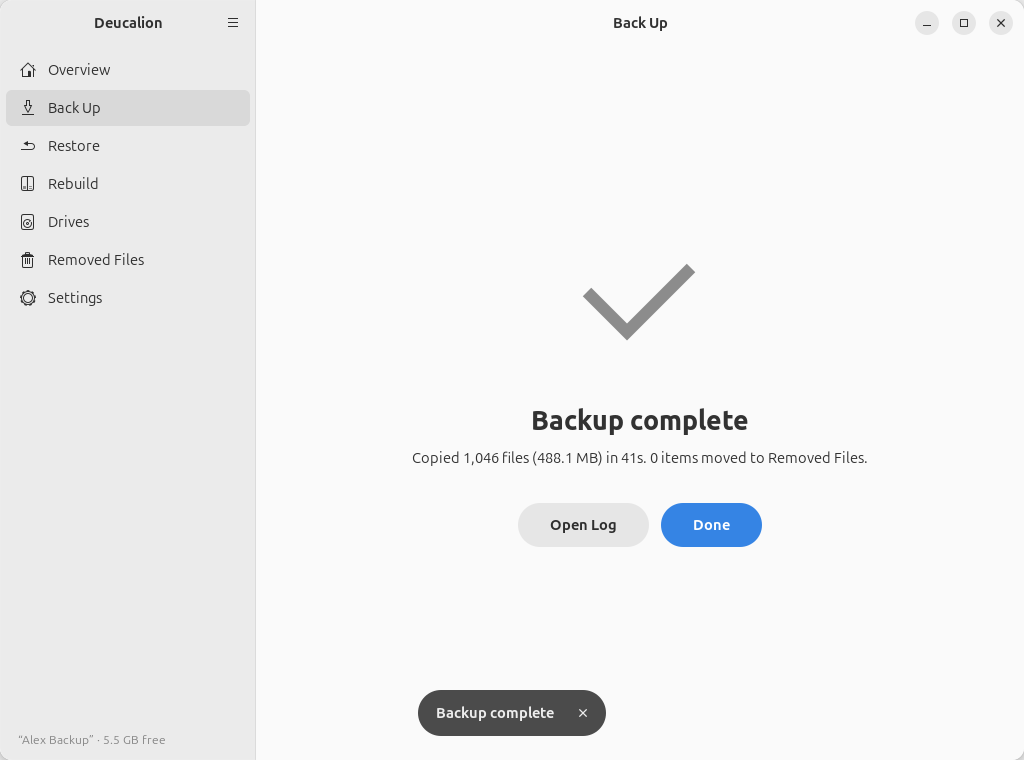
You can also start from the Back Up page: choose Everything, then Check What Will Be Copied.
- Plug in the backup drive and open a terminal.
-
Optional: see what will be copied first:
deucalion backup --dry-run -
Back up (it asks for the drive's password if it is locked, and for your administrator password for the protected settings):
$ deucalion backup
Backing up to Alex Backup  /media/alex/Alex Backup/Deucalion-Backup
Saving the system recipe (packages, settings, services) — you may be asked for your administrator password…
Backup plan (full: everything)
  New files:               3   2.4 MB
  Changed files:           2   86 B (previous versions go to _removed/)
  Gone/excluded:           1   38 B (moved to _removed/)
  Unchanged:           1,043   488.1 MB
Backup finished in 0s: copied 5 files (2.4 MB), moved 1 item to _removed/.
Log: /media/alex/Alex Backup/Deucalion-Backup/.deucalion/logs/2026-10-12_091015-backup.log
The Gone/excluded line counts what is in the backup but no longer on your computer (or now left out); it is moved to Removed Files, not deleted.
What you have now: an up-to-date backup of your files and of your system recipe. The Overview
page (or deucalion status) shows when it finished.
Next steps:
- Lock or unmount the drive before unplugging it: Unlock and lock an encrypted drive.
- Now and then, check that the backup is intact.
- Leave out big folders you don't need.